Tutorial videos
These videos are designed as a short training course for new users of CloudFiler.
Whilst you can dip into any one of them, we recommend that you watch them in the sequence shown
Overview, plus finding CloudFiler and signing in (5 mins)

Filing in-coming email (3 mins)

Configuring your preferences (3.5 mins)

Filing out-going email (2.5 mins)

Filing with New Outlook and Outlook on the web (2 mins)

Launching the search, jumping to a location and viewing emails (3 mins)

Search Basics (2:45 mins)

Searching within attachments (7 mins)

Open, download, export, etc. ( 4 mins)


Legacy videos
The videos above are part of a complete training course but have yet to be completed, so until the full set is available, the earlier videos are still accessible below.
Searching (7 mins)
This tutorial video shows how our super-fast 'Pico' search works on all devices, searches into attachments and can even find text in photos and scanned documents
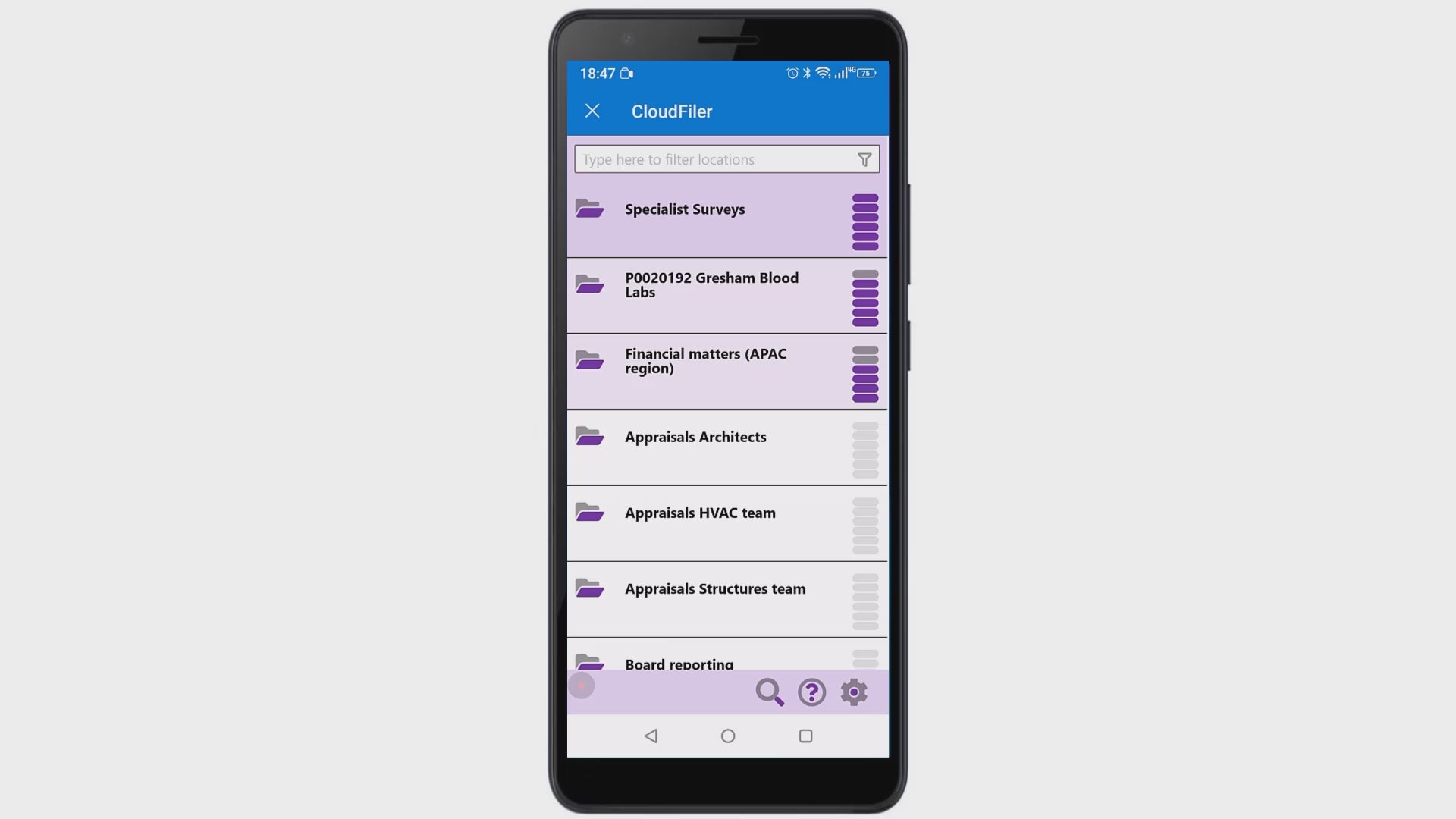
Filing from a mobile device (2 mins)
Whether it's a phone or tablet running iOS, Android or Windows Surface device, you can file your emails and search for them too